
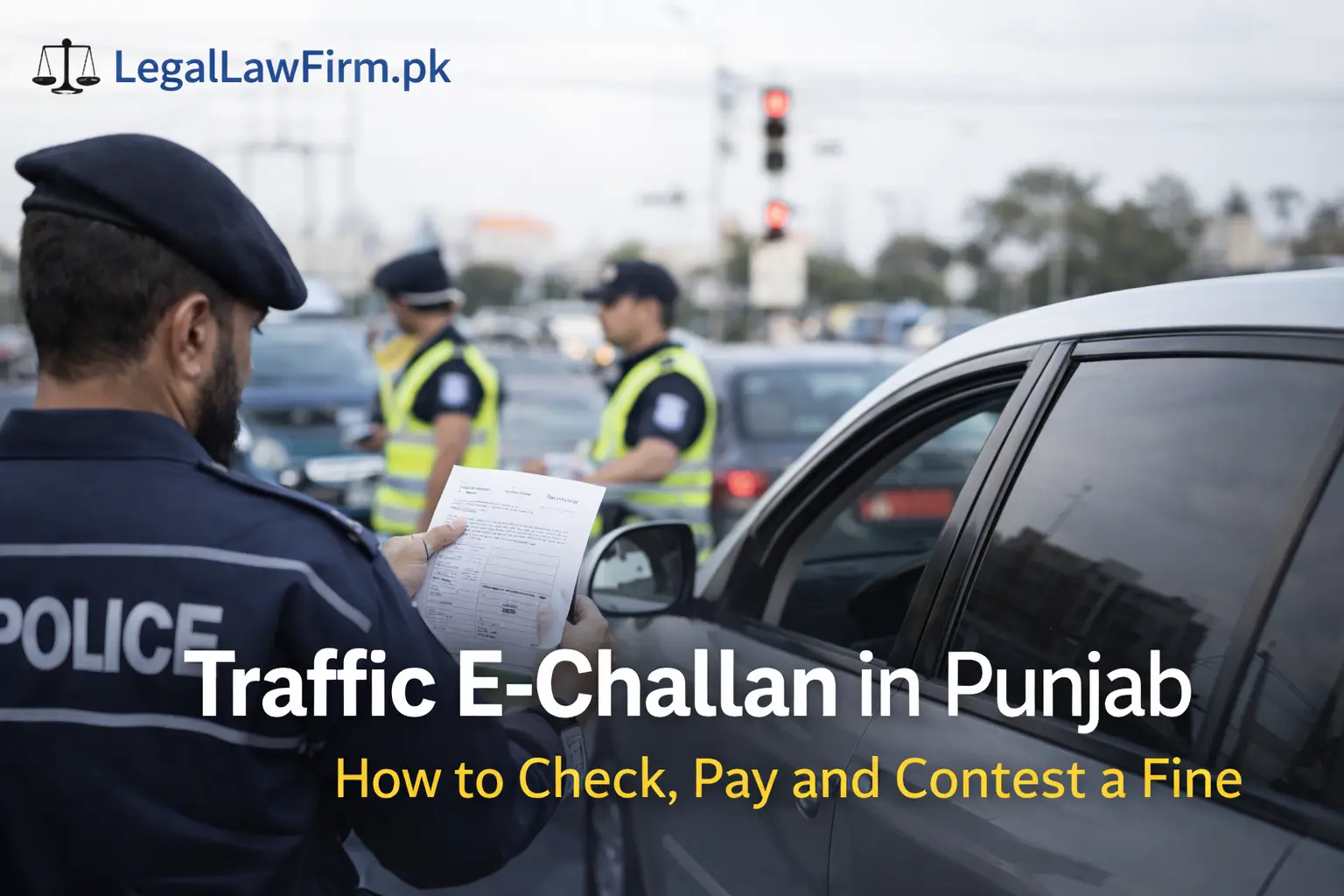
If you drive in Lahore or anywhere in Punjab, you’ve probably heard about traffic e-challans.
Sometimes you see a paper challan on your door. Sometimes there is no paper at all, but when you check online, you find a fine already issued against your car or bike.
This guide explains in simple words:
- What a Punjab e-challan is
- How to check if you have one
- How to pay it safely
- What you can do if the challan is wrong or unfair
What Is a Traffic E-Challan in Punjab?
Punjab now uses a digital traffic challan system.
Traffic cameras and police systems record violations such as:
- Signal breaking
- Over-speeding
- Wrong parking
- No helmet
- Using a mobile phone while driving
When a violation is recorded, the system creates an e-challan. It is linked with:
- Your vehicle registration number
- Your CNIC or other details in the database
You may:
- Receive a printed challan at your address, or
- Only see it when you check online
Ignoring an e-challan can create trouble later, especially at:
- Police checkpoints
- Token tax renewal
- Vehicle transfer
How to Check Your E-Challan Online in Punjab
You can check a traffic e-challan in a few minutes. You need reliable internet and your vehicle details.
1. Check Through the Official E-Challan Website
You can use the official Punjab Safe Cities / e-challan portal.
- Open the official e-challan website in your browser.
- Enter your vehicle registration number (for example, LEB-20-1234).
- Enter your CNIC or other required details (such as chassis number).
- Click on Search.
On the next screen, you will see:
- List of pending e-challans
- The date and place of the violation
- The fine amount
You can download or print this page for your record.
Tip: Make sure you are on the official government portal and not a copy site. Check the URL carefully.
2. Check Through Apps and Online Banking
You can also see and pay many government dues, including traffic e-challans, through:
- ePay Punjab app
- Supported bank apps
- Some mobile wallets
The steps are usually similar:
- Open the app.
- Choose Traffic E-Challan or Govt Payments.
- Enter your PSID (Payment Slip ID) or vehicle details.
- View your outstanding challans and amounts.
If you only want to check and not pay, you can still use the official portal method first.
How to Pay a Traffic E-Challan in Punjab
Clearing an e-challan is usually simple. The main point is to pay before the due date so the fine does not cause more issues.
1. Pay Online
Here are common ways people in Punjab pay their e-challans:
- ePay Punjab app
- JazzCash / Easypaisa (where supported)
- Internet banking of major banks
- 1-Link ATMs that handle government payments
Basic process:
- Get your PSID from the e-challan portal or app.
- Open your preferred payment method (app or ATM).
- Choose e-challan / government payment.
- Enter the PSID.
- Confirm the amount and pay.
Always save:
- Screenshot of the confirmation
- SMS or email from the bank
- Printed ATM slip, if used
These can help if there is ever a dispute later.
2. Pay at a Bank Branch
If you prefer to pay in person:
- Print your e-challan slip from the official portal.
- Visit a bank branch that accepts e-challan payments (for example, selected branches of the National Bank of Pakistan or Bank of Punjab).
- Pay the amount at the counter.
- Request a stamped receipt and keep it safe.
What Happens If You Ignore or Do Not Pay an E-Challan?
Many drivers think, “It’s just one challan, I’ll pay it later.” But ignoring an e-challan can lead to problems like:
- Difficulty during vehicle token tax renewal
- Issues at police checkpoints if your vehicle shows pending fines
- Possible legal action for repeated or severe violations
If you have more than one challan or a serious violation, it is better to clear them or get legal advice instead of hoping they will disappear.
When You Should Consider Contesting a Challan
Not every challan is correct. Sometimes:
- The camera reads the number plate incorrectly
- The vehicle was sold, but the record is still in your name
- Someone cloned or copied your number plate
- You genuinely followed the rules, but the system made an error
In such situations, it is reasonable to question the challan instead of just paying it.
How to Contest a Wrong Traffic E-Challan in Punjab
Step 1 – Double-Check the Details
First, carefully check the challan:
- Vehicle number
- Date and time
- Location
- Type of violation
Ask yourself:
- Were you or your driver at that place at that time?
- Could there be another car with a similar number plate?
If the details clearly do not match your situation, move to the next step.
Step 2 – Collect Evidence
Collect anything that can help your case, for example:
- Photos or video from a dash-cam
- Toll slips, parking receipts, and fuel receipts showing you were elsewhere
- Messages, call logs, or other proof of your location (if helpful)
- Any earlier documents showing the sale of the vehicle (if the car is no longer yours)
Keep all of this in one folder to show the authorities or your lawyer.
Step 3 – Contact Traffic Authorities or Safe City Office
Next, visit or contact the relevant:
- Traffic police office in your city, or
- Safe City / PSCA office or helpdesk (for areas covered by the Safe Cities project)
Take with you:
- Your CNIC
- Vehicle registration documents
- Print of the e-challan
- Your evidence
Explain calmly why you believe the challan is wrong and ask about the process for correction.
Step 4 – Get Legal Help for Serious Issues
If:
- The challan is linked to an accident,
- There is a risk of licence suspension, or
- There are criminal charges or heavy fines connected to the violation,
Then it is wise to speak with a traffic or criminal law lawyer.
A lawyer can:
- Review whether the challan and the process followed the law
- Guide you on whether to contest it through the court or other forums
- Represent you if the matter moves beyond a simple fine
Fake E-Challan Messages and Scams – Be Careful
Along with real e-challans, people also receive fake SMS or WhatsApp messages that look like official challans.
Common warning signs:
- The message asks you to click a strange link to pay
- It pushes you to install an app file (APK) from outside the official app store
- It asks for your ATM PIN, online banking password, or OTP
These are usually scams designed to:
- Steal your banking details
- Take access to your phone
- Collect your personal data
Safer steps:
- Check your e-challan only on the official e-challan website or trusted government apps.
- Do not share OTPs or passwords with anyone claiming to be a bank or government officer.
- If you think you have been scammed, contact your bank, the FIA Cyber Crime Wing, and consider speaking to a cybercrime lawyer.
How a Legal Law Firm Can Help
At Legal Law Firm in Lahore, we understand that even a “simple” traffic challan can become stressful, especially if:
- You believe it is unfair or incorrect.
- It is linked with an accident or injury.
- You are worried about repeated violations on your record.
Our team can:
- Review your e-challan and explain your legal position in clear language
- Advise whether you should pay, contest, or negotiate
- Help you with serious traffic and criminal cases related to accidents or dangerous driving
- Guide businesses and fleet owners on traffic compliance to reduce future fines
If you are unsure about what to do next, you don’t have to guess. You can speak with a lawyer and understand your options before taking any step.
Final Thoughts
The e-challan system in Punjab is here to stay. It aims to improve road safety and discipline, but it can feel very unclear when you first deal with it.
If you:
- Drive in Lahore or anywhere in Punjab
- Want to avoid extra trouble at checkpoints
- Or feel that a challan is not correct
Then it helps to know the basic process, your rights, and when to ask for professional help.


